Digital Menu Accessibility: Why It Matters and How to Comply
Accessibility is not just a legal requirement, it's an ethical opportunity to reach more customers. Learn how to make your digital menu accessible to everyone.
Digital Menu Team
Published on May 15, 2024
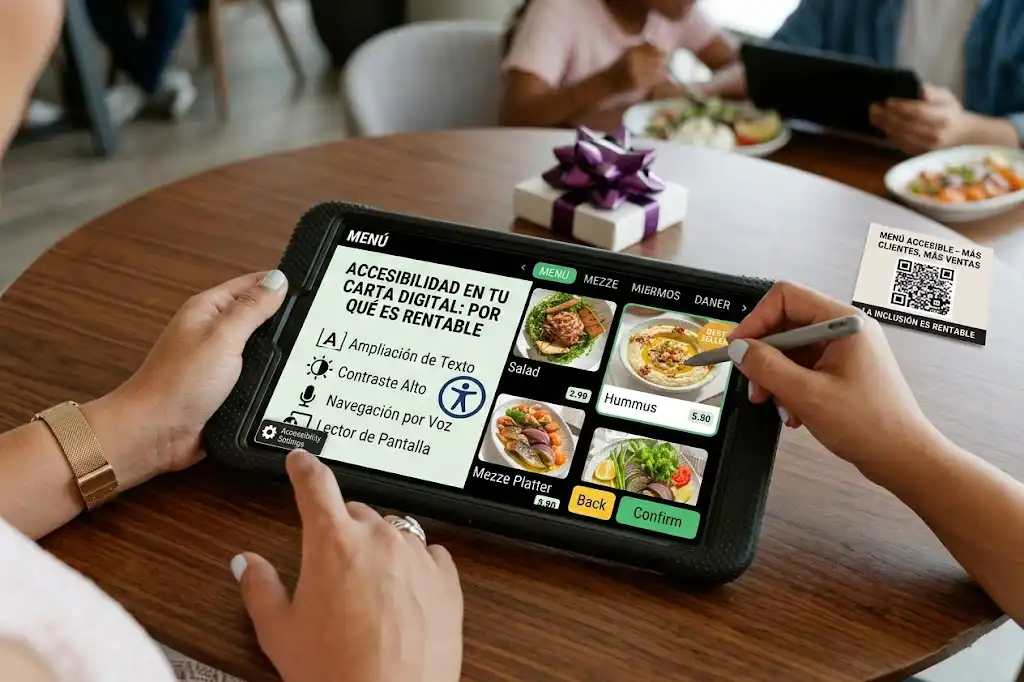
Digital Menu Accessibility: Why It Matters and How to Comply
In the race to digitize restaurants, we often forget a crucial group: people with disabilities. An inaccessible digital menu excludes blind people, those with low vision, or motor difficulties. And that's not just bad business; in many places, it's illegal.
What is Web Accessibility?
Web accessibility means designing websites and applications so that people with disabilities can use them. This includes:
- Screen readers: Software that reads content aloud for blind people.
- Keyboard navigation: For those who cannot use a mouse.
- Contrast: Sufficient difference between text and background for people with low vision.
Common Problems with Digital Menus
1. The PDF Problem
A PDF is practically invisible to many screen readers.
- Zoom: On mobile, zooming in on a PDF forces horizontal scrolling, which is terrible UX.
- Structural navigation: PDFs often lack headings (H1, H2) that allow jumping between sections.
2. Low Contrast
Designers love light gray on white. Users hate it.
- Solution: Use high contrast colors. Black on white is best.
3. Images of Text
Taking a photo of the paper menu and uploading it is the worst you can do.
- Unreadable: Screen readers cannot read text inside an image without alternative text.
- Slow: Images take longer to load.
How to Make Your Menu Accessible
1. Use HTML, not PDF
A web menu (HTML) is natively accessible if programmed correctly.
- Texts are real texts.
- Browsers allow font resizing without breaking the layout.
2. Semantic Structure
Use headings <h1>, <h2>, <h3> correctly.
<h1>: Restaurant Name<h2>: Menu Sections (Starters, Mains)<h3>: Dish Names
3. Alternative Text (Alt Text)
If you put a photo of a dish, include a description.
- Bad:
img_123.jpg - Good:
Grilled salmon with asparagus garnish
4. Interactive Elements
Buttons must be large enough to touch on a mobile screen (minimum 44x44 pixels).
The Business Benefit
An accessible menu is better for EVERYONE.
- Better SEO: Google "reads" accessible sites better.
- Better UX: What helps a blind person also helps a user seeing the screen in full sunlight.
- More Customers: 15% of the world's population has some form of disability. Do you want to leave them out?
Conclusion
Accessibility is not an "extra". It is a fundamental part of the quality of your service. Just as you put a ramp at the entrance, put a "digital ramp" in your menu.
Tags
¿Listo para crear tu carta digital?
Aplica estos consejos y crea tu carta digital profesional en minutos. Impresiona a tus clientes.
Recent posts
Local SEO for Restaurants: No-Nonsense Guide to Getting Found
Forget 'going viral'. For a restaurant, the only SEO that matters is showing up when someone searches for 'dinner near me'. Here's how.
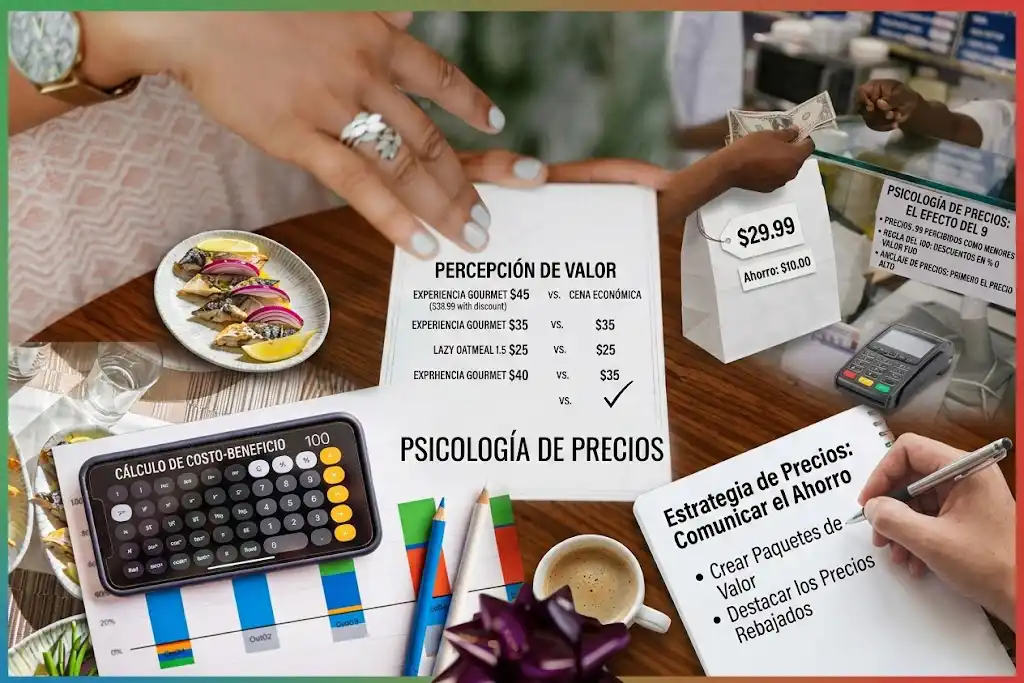
Pricing Strategies for Digital Menus: Dynamic Pricing
How to use the flexibility of the digital format to adjust prices according to demand, season, or shifting costs without reprinting everything.
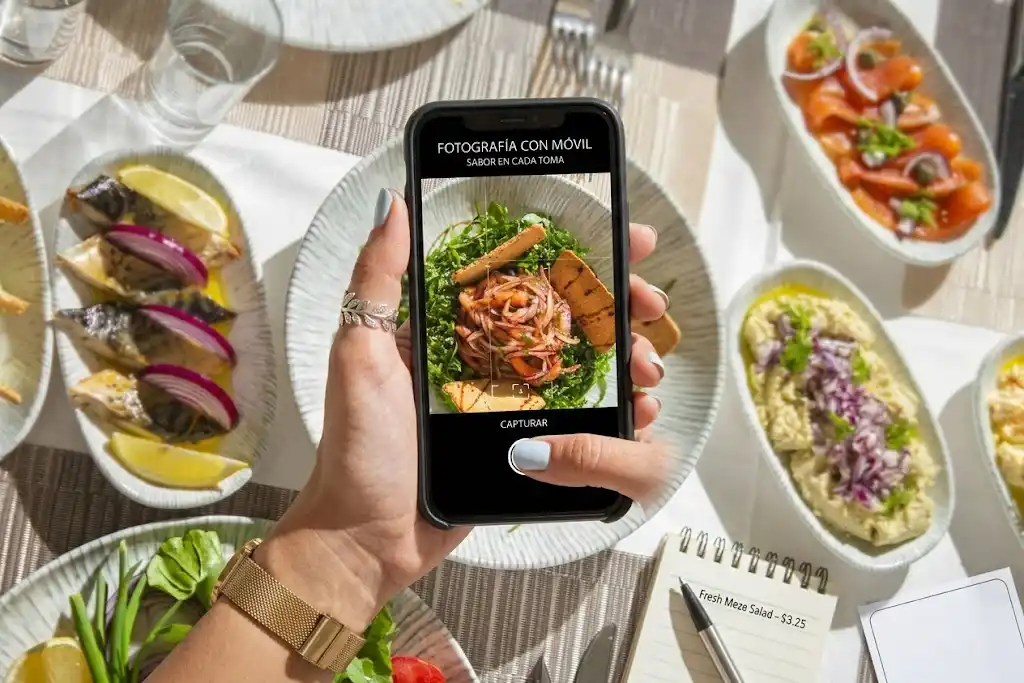
Gastronomic Photography: Do's and Don'ts for your Menu
You don't need a professional camera, but you do need technique. Complete guide to taking appetizing photos with your mobile phone.