The Ultimate Guide to Digital Menus for Restaurants
Everything you need to know about digitizing your restaurant: from types of QR to legal regulations and choosing the best software.
Digital Menu Team
Published on January 10, 2024
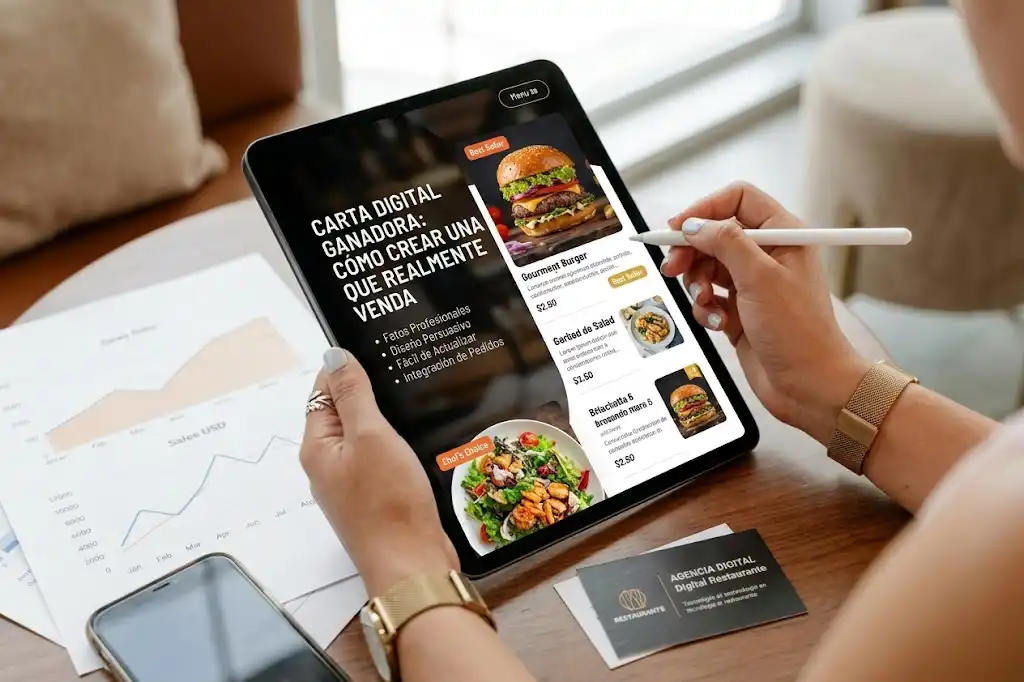
The Ultimate Guide to Digital Menus for Restaurants
The digital menu has evolved. It is no longer just an emergency measure for hygiene; it is a fundamental pillar of modern hospitality management. This guide covers everything from A to Z.
Types of Digital Menus
1. Static PDF (The Basic)
Essentially a digital file uploaded to a server perfectly matching your printed menu.
- Pros: Easy to create, cheap.
- Cons: Difficult to read on mobile (pinch-to-zoom), hard to update, zero SEO, no interaction.
2. Website/HTML (The Standard)
A webpage optimized for mobile.
- Pros: Responsive (adapts to screen), SEO friendly, easy to update, can include analytics.
- Cons: Requires a platform or web development.
3. Interactive/Ordering (The Advanced)
Allows ordering and paying from the table.
- Pros: Increases average ticket, reduces waiter workload, collects customer data.
- Cons: Higher cost, requires integration with POS, changes service flow.
Why Change? (ROI)
- Printing costs: A restaurant changes its menu 4-6 times a year. Printing costs + design time add up.
- Ticket increase: Studies show digital menus increase ticket size by 15-20% through better visuals and upselling.
- Data: Knowing what is viewed vs. what is ordered helps optimize the menu.
Legal Regulations (Europe/Spain)
- Allergens: Regulation 1169/2011 requires informing about 14 main allergens. Digital menus make this easier by allowing filters.
- Prices: Prices must be final (VAT included) and clear.
Choosing Software
What to look for:
- Speed: If it takes >3 seconds to load, the customer closes it.
- Ease of editing: Can you change a price in 1 minute from your mobile?
- Reliability: Does the QR code work 100% of the time?
- Support: Is there someone to call if servers go down?
Implementation Step-by-Step
- Digitize Content: Texts, prices, allergens.
- Photos: Take quality photos of star dishes.
- Generate QR: Create a unique QR (better if dynamic).
- Placement: deciding where to put the QR (table stands, stickers, coasters).
- Staff Training: Teach staff how to help customers use it.
Conclusion
Digitization is inevitable. The question is not if you will do it, but when. Doing it well gives you a competitive advantage today; doing it badly is just a patch.
Tags
¿Listo para crear tu carta digital?
Aplica estos consejos y crea tu carta digital profesional en minutos. Impresiona a tus clientes.
Recent posts
Local SEO for Restaurants: No-Nonsense Guide to Getting Found
Forget 'going viral'. For a restaurant, the only SEO that matters is showing up when someone searches for 'dinner near me'. Here's how.
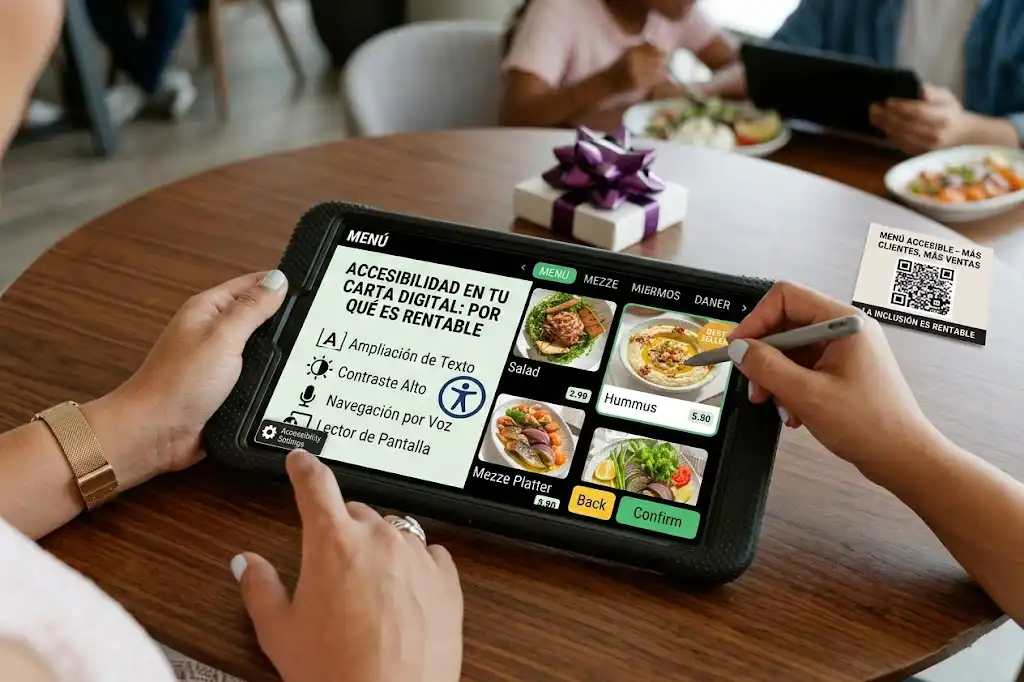
Digital Menu Accessibility: Why It Matters and How to Comply
Accessibility is not just a legal requirement, it's an ethical opportunity to reach more customers. Learn how to make your digital menu accessible to everyone.
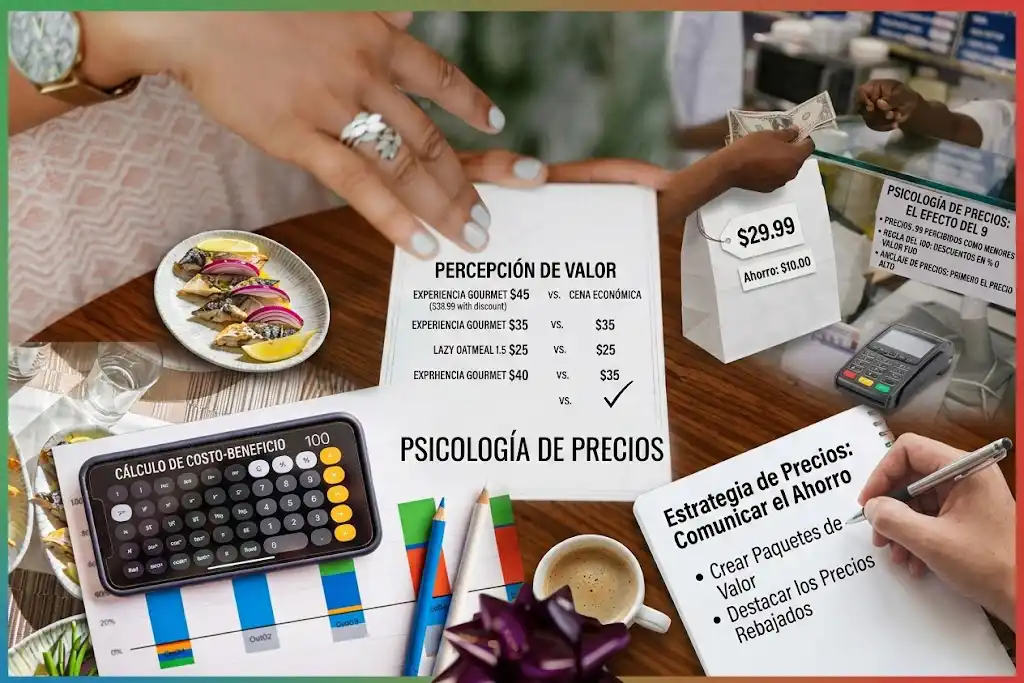
Pricing Strategies for Digital Menus: Dynamic Pricing
How to use the flexibility of the digital format to adjust prices according to demand, season, or shifting costs without reprinting everything.