Templates vs Custom Design: Which one to choose for your digital menu?
Complete analysis of the pros and cons of each option to help you make the best decision for your restaurant.
Digital Menu Team
Published on January 25, 2024
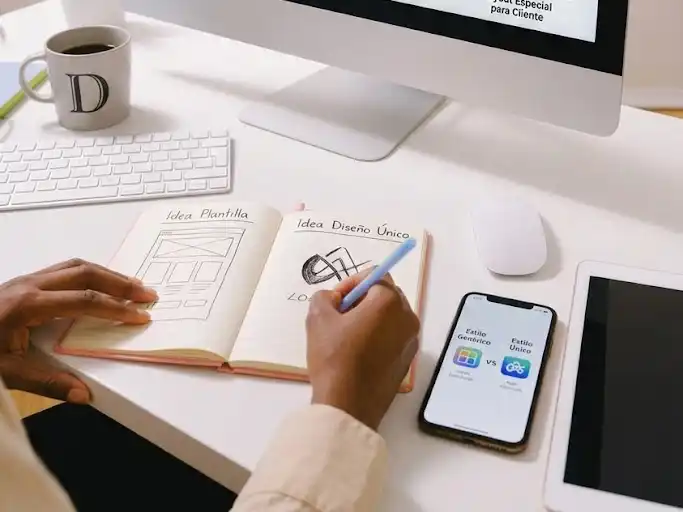
Templates vs Custom Design: Which one to choose for your digital menu?
One of the most important decisions when creating your digital menu is choosing between using a template or developing a completely custom design. We help you decide.
What are templates?
Definition:
Templates are predefined designs that you can customize with your content, colors, and logo, but maintaining the base structure and style.
Typical characteristics:
- Fixed Structure: Predefined layout
- Consistent Styles: Established fonts and spacing
- Limited Customization: Colors, images, and content
- Fast Development: Ready in minutes
What is custom design?
Definition:
A design created from scratch specifically for your restaurant, with total creative freedom and adapted to your brand identity.
Typical characteristics:
- Unique Structure: Layout designed for your content
- Own Styles: Unique fonts and elements
- Total Customization: Every detail tailored to you
- Extensive Development: Weeks or months of work
Detailed Comparison
⏳ Development Time
Templates:
- ✅ Fast: 1-3 hours
- ✅ Immediate: Instant changes
- ✅ No waiting: Available now
Custom Design:
- ❌ Slow: 2-8 weeks
- ❌ Iterations: Multiple revisions
- ❌ Dependencies: Need designer availability
💰 Economic Cost
Templates:
- ✅ Economical: 0-50€/month
- ✅ No hidden costs: Fixed price
- ✅ Scalable: Same price for any size
Custom Design:
- ❌ Expensive: 1,000-5,000€ upfront
- ❌ Additional costs: Hosting, maintenance
- ❌ Revision: Extra costs for changes
🎨 Creative Flexibility
Templates:
- ⚠️ Limited: Fixed structure
- ⚠️ Restrictions: Can't change everything
- ✅ Professional: Designed by experts
Custom Design:
- ✅ Total: Absolute freedom
- ✅ Unique: Exclusive design
- ⚠️ Risk: May not work well (UX)
🔧 Maintenance
Templates:
- ✅ Automatic: Updates included
- ✅ Support: Technical team available
- ✅ Security: Automatic patches
Custom Design:
- ❌ Manual: You handle everything
- ❌ Limited Support: You depend on the developer
- ❌ Vulnerabilities: Can become obsolete
📱 Responsive Design
Templates:
- ✅ Tested: Works on all devices
- ✅ Optimized: Guaranteed performance
- ✅ Updated: Always compatible
Custom Design:
- ⚠️ Variable: Depends on developer quality
- ⚠️ Testing: Need to test on multiple devices
- ⚠️ Maintenance: Requires updates
When to choose templates?
✅ Ideal for:
- New Restaurants: Need to launch fast
- Limited Budget: Want quality without huge investment
- No Technical Team: Don't have in-house developers
- Frequent Changes: Need to update content regularly
- Multiple Locations: Want brand consistency
When to choose custom design?
✅ Ideal for:
- Luxury Restaurants: Need total differentiation
- Large Budget: Can invest in development
- Technical Team: Have in-house developers
- Specific Needs: Unique functionalities
- Consolidated Brand: Very defined visual identity
Hybrid: Customizable Templates
The best of both worlds:
- Professional Base: Proven structure
- Advanced Customization: Colors, fonts, layouts
- Fast Development: Less time than scratch design
- Intermediate Cost: More than basic template, less than custom
Conclusion
The right decision depends on:
- Available Budget
- Time to Launch
- Customization Needs
- Technical Resources
Our general recommendation:
Start with a customizable template. It gives you flexibility without compromising time or budget. You can always evolve to custom design later.
Tags
¿Listo para crear tu carta digital?
Aplica estos consejos y crea tu carta digital profesional en minutos. Impresiona a tus clientes.
Recent posts
Local SEO for Restaurants: No-Nonsense Guide to Getting Found
Forget 'going viral'. For a restaurant, the only SEO that matters is showing up when someone searches for 'dinner near me'. Here's how.
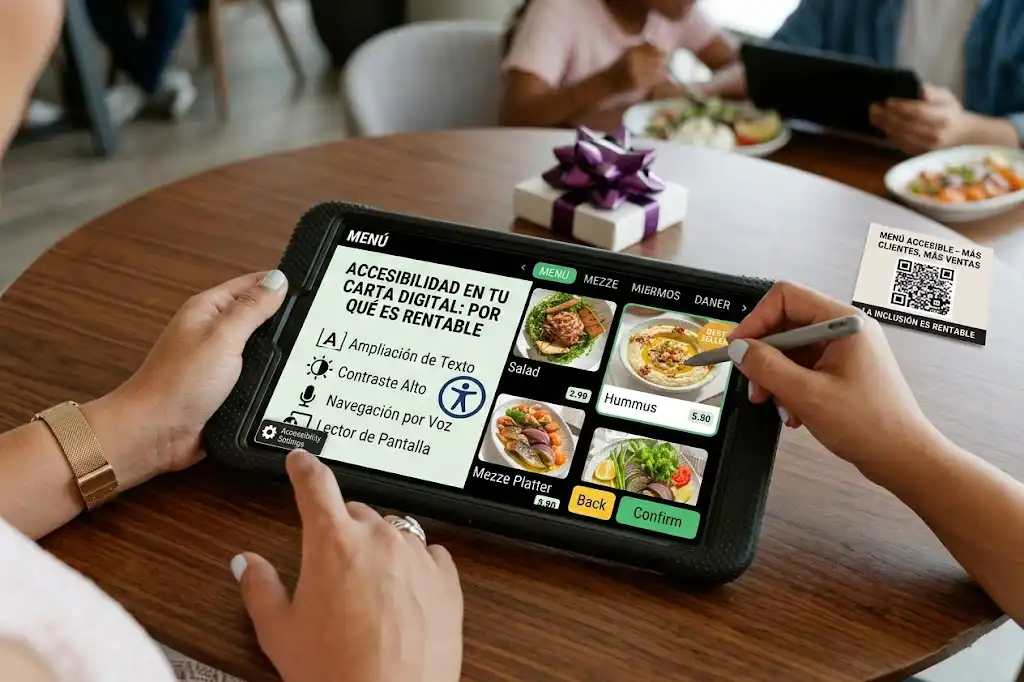
Digital Menu Accessibility: Why It Matters and How to Comply
Accessibility is not just a legal requirement, it's an ethical opportunity to reach more customers. Learn how to make your digital menu accessible to everyone.
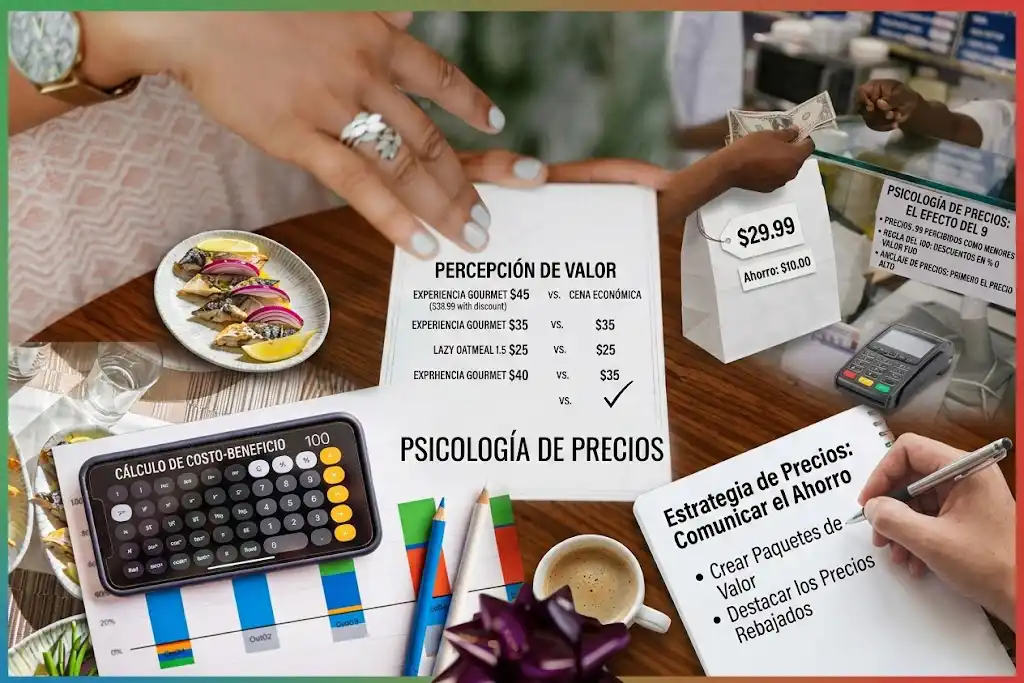
Pricing Strategies for Digital Menus: Dynamic Pricing
How to use the flexibility of the digital format to adjust prices according to demand, season, or shifting costs without reprinting everything.